


Contents
Introduction: Welcome to the Future of Home Security
In a world increasingly governed by technology, the way we secure our homes is no exception. Traditional locks are gradually being replaced by smart door locks that offer convenience, security, and a touch of modern flair. If you’ve ever wondered how to enhance your home’s accessibility while boosting its security, smart door locks are a fantastic solution.
Imagine arriving home with your arms full of groceries, and instead of fumbling for your keys, you simply tap your phone, and the door unlocks. Or think about the peace of mind you could have knowing you can lock or unlock your door from anywhere in the world. Whether you’re an avid tech enthusiast or someone just dipping your toes into the world of smart home devices, installing a smart door lock is a manageable DIY project.
This guide will walk you through everything you need to know about installing a smart door lock, ensuring you enhance your home security with ease. By the end of this article, you’ll have the knowledge and confidence to tackle this project and turn your door into a gateway of convenience and safety.
Why Choose a Smart Door Lock?
The benefits of making the switch from a traditional lock are clear:
- Keyless Entry: No more worrying about lost keys or getting locked out.
- Mobile Access: Control your lock via smartphone apps, allowing remote access management.
- Guest Access: Easily give temporary access to guests using time-sensitive digital keys.
- Activity Monitoring: Receive alerts when someone enters or exits your home, adding an extra layer of security.
- Integration: Smart door locks can often integrate with other smart home devices, such as security systems and smart doorbells.
Types of Smart Door Locks
Before jumping into installation, it’s essential to understand the different types of smart door locks available:
-
Deadbolt Smart Locks: These replace your traditional deadbolt and offer a robust level of security.
-
Lever Handle Smart Locks: Ideal for homes where a lever handle is preferred, often found on interior doors.
-
Smart Padlocks: Perfect for gates or sheds, providing flexibility in where you can utilize smart locking technology.
- Smart Lock Retrofit Kits: If you’re not ready to replace your entire lock, these retrofit kits can convert your existing deadbolt into a smart lock.
Choosing the right type for your door setup is crucial for a successful installation.
What You’ll Need for Installation
Before you start, gather the following tools and materials:
Tools:
- Screwdriver (Phillips and flat-head)
- Drill (if new holes are needed)
- Tape measure
- Level
- Pencil
- Allen wrench (usually included with the lock)
Materials:
- Smart door lock (make sure it suits your door thickness and backset)
- User manual
- Batteries (most smart locks run on batteries)
Step-by-Step Guide to Installing Your Smart Door Lock
Now that you’re prepped and ready, let’s dive into the installation process. Follow these steps closely for a smooth installation experience.
Step 1: Remove the Existing Lock
-
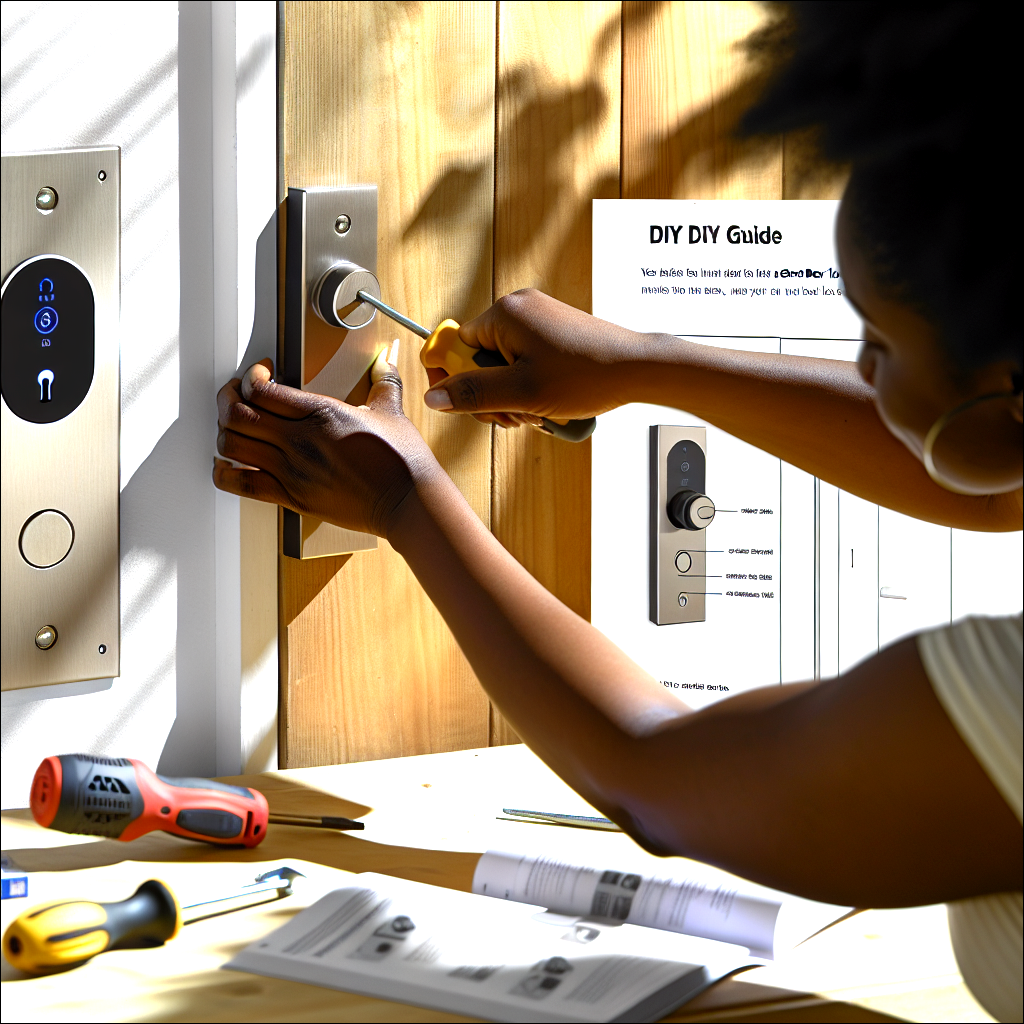
Remove the Door Handle/Lock Assembly: Using your screwdriver, unscrew the screws holding the door knob and deadbolt in place.
-
Take Out the Deadbolt: Once the handle is off, you can slide the deadbolt mechanism out from the edge of the door.
- Keep Track of Everything: Place all screws and parts in a safe spot to avoid losing them during installation.
Step 2: Prepare the Door for the Smart Lock
-
Check the Door Thickness: Smart locks are typically designed for doors within a specific thickness range. Measure your door before proceeding.
- Drill New Holes (if necessary): If your new smart lock requires different placements for screws or a different backset, mark your new holes and drill them carefully. Most smart locks provide templates to aid in this process.
Step 3: Install the Smart Lock
-
Insert the Smart Lock’s Deadbolt: Slide the new deadbolt into place from the edge of your door. Make sure it functions smoothly before securing it.
-
Install the Exterior Keypad/Handle: Position it over the deadbolt’s tailpiece and secure it using the provided screws.
-
Attach the Interior Assembly: On the interior side of the door, place the connecting assembly. Align it according to the manufacturer’s instructions.
- Secure Everything: Tighten the screws to ensure everything is firmly in place. Use a level to make sure the lock is aligned correctly.
Step 4: Set Up Power and Connectivity
-
Insert Batteries: Open the battery compartment and insert the required batteries as per the instructions.
-
Download the App: Most smart locks operate via an app. Download the lock’s accompanying app from the App Store or Google Play.
- Create an Account: If required, set up a user account and follow any instructions for connecting your lock to Wi-Fi or Bluetooth.
Step 5: Configure Settings and Test Functionality
-
Program User Codes: Set up user codes for yourself and anyone who needs access.
-
Test the Lock: Manually lock and unlock your door a few times using both the physical mechanism and the app to ensure it works flawlessly.
- Adjust Settings: Explore the app’s features, including notifications, scheduled locking times, or guest access.
Common Pitfalls to Avoid
While installing your smart lock can be a straightforward process, there are a few common mistakes to avoid:
-
Ignoring Compatibility: Not all smart locks fit every door type. Ensure compatibility before purchase.
-
Missing Template Use: Manufacturers usually provide templates for new holes — ignoring these can lead to misalignment.
- Skipping Security Features: Be mindful to enable security features like two-factor authentication on your app.
Maintenance and Troubleshooting Tips
After installation, maintaining your smart door lock is critical to ensure long-lasting performance. Here are a few tips:
-
Check Battery Life Regularly: Most smart locks will notify you when battery life is low, but it’s good practice to monitor it periodically.
-
Keep the App Updated: Regular updates often come with enhanced security features and bug fixes.
-
Re-test Lock Functionality: If you notice any performance issues, re-evaluate the alignment and battery status.
- Consult the Manual for Troubleshooting: Your user manual will provide specific troubleshooting steps tailored to your model.
Conclusion: Securing Your Home, Enhancing Your Convenience
Installing a smart door lock may seem daunting, but with a bit of preparation and this guide, you can accomplish this task with ease. Not only will this installation enhance your home’s security, but it will also integrate seamlessly into your smart home ecosystem, adding convenience to your lifestyle.
As technology continues to evolve, making our homes smarter becomes increasingly important. Transitioning to smart locks allows you to take that first step towards a more secure and modern living environment.
So, gather your materials, roll up your sleeves, and embark on this DIY journey towards smarter home entry. With a smart door lock in place, you’ll gain convenience, control, and peace of mind, ensuring your home remains a safe haven for you and your loved ones.
Explore the possibilities of smart home entry systems. Check out our extensive collection of product reviews to find the perfect entry solutions for your home.
Don’t miss our latest review of the innovative smart keypad door lock, designed for security and convenience.
For more insights and creative ideas, visit this comprehensive guide on smart home systems.
Secure and simplify your home today!
