


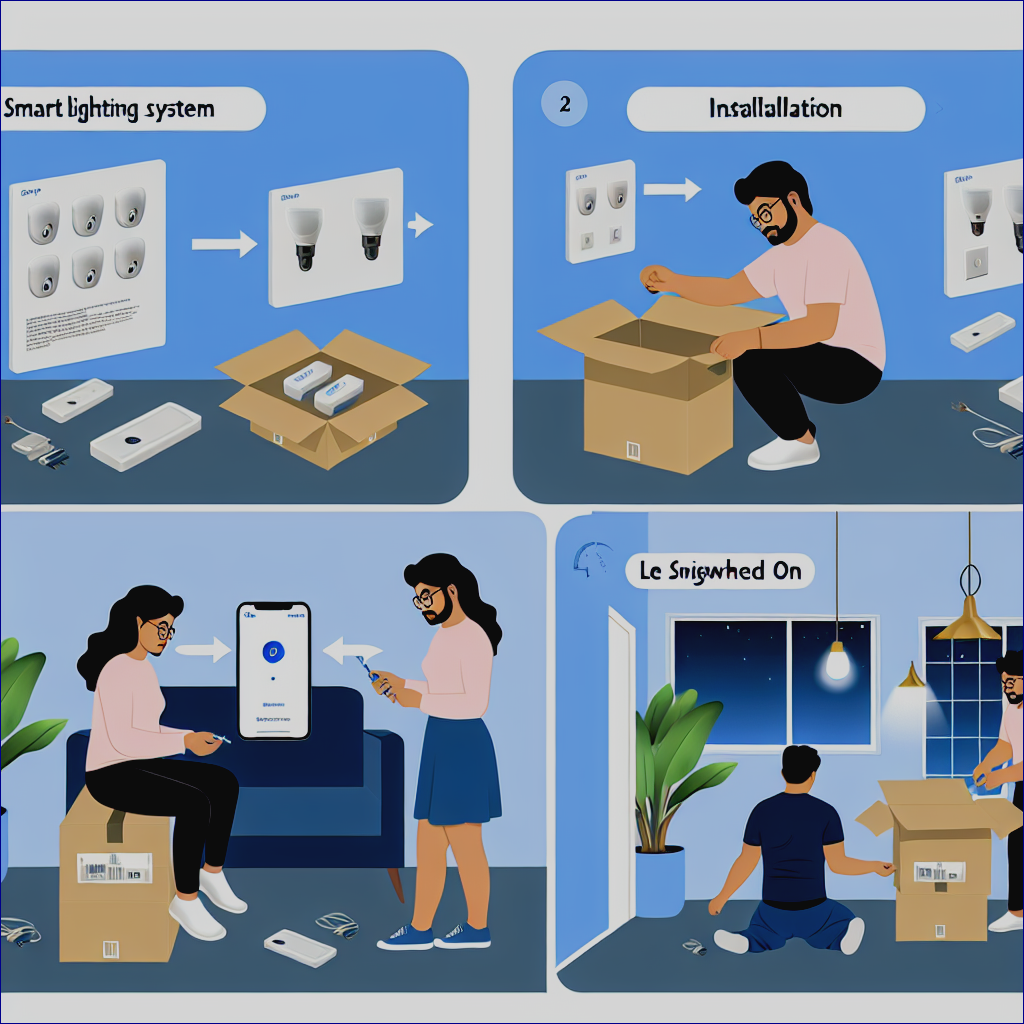
In an era where technology increasingly finds its way into our homes, smart lighting systems stand out as one of the most transformative innovations. Imagine walking into a room and having the lights adjust to your mood or being able to control your home’s lighting from anywhere in the world using just your smartphone. With smart lighting, you can easily enhance convenience, energy efficiency, and safety in your home.
In this comprehensive guide, we will explore everything you need to know about installing smart lighting systems, from choosing the right products to setting them up in your home effortlessly. Whether you’re a tech enthusiast or a complete novice, this guide will provide you with actionable insights to illuminate your living space like never before.
Contents
What is Smart Lighting?
Before jumping into the installation process, let’s clarify what smart lighting is. Smart lighting encompasses an array of solutions that allow you to control, automate, and schedule your home’s lighting using internet-connected devices. These systems can come in the form of smart bulbs, smart switches, or even complete smart lighting kits.
The Benefits of Smart Lighting
Investing in smart lighting can deliver numerous benefits, including:
- Convenience: Control your lights from your smartphone or using voice commands.
- Energy Efficiency: Schedule your lights to turn off when not in use, reducing energy bills.
- Customization: Adjust the color and brightness of your lights to fit your mood or activity.
- Increased Security: Set timers or control lights remotely to enhance the security of your home.
Step 1: Choosing the Right Smart Lighting Products
The first step in getting started with smart lighting is selecting the right products. Here’s what you need to consider:
Smart Bulbs vs. Smart Switches vs. Smart Fixtures
-
Smart Bulbs: These can replace your traditional bulbs and connect to your network. They offer features such as adjustable brightness and color.
-
Smart Switches: If you’re looking to keep your existing bulbs, smart switches may be the better option. They control multiple bulbs from a single location and are a great choice for overhead lights.
- Smart Fixtures: These are complete lighting solutions that replace traditional fixtures and come with integrated smart technology.
Popular Brands and Ecosystems
Some well-regarded brands in the smart lighting space include:
- Philips Hue
- LIFX
- Wyze
- TP-Link
- Ring’s smart flood lights
Additionally, consider the ecosystem you want to be part of—Google Home, Amazon Alexa, or Apple HomeKit—as this can influence your product choices.
Step 2: Preparing for Installation
Once you’ve chosen the products best suited for your home, it’s time to prepare for installation.
Gather Necessary Tools
Ensure you have the following tools and items on hand:
- The smart lighting products you’ve chosen.
- A compatible smartphone or tablet.
- Screwdrivers (flathead and Phillips).
- A ladder (if installing fixtures or overhead lights).
- A voltage tester for safety.
Read the Instructions
Before getting your hands dirty, read the manufacturer’s installation manual. Each product may have specific steps or requirements, so familiarize yourself with the instructions provided.
Step 3: Installation Process
Now comes the fun part—installing your smart lighting system! Follow these steps carefully to ensure a successful setup.
Installing Smart Bulbs
-
Turn Off the Power: Always turn off the power at the circuit breaker before starting any electrical work. This is crucial for your safety.
-
Remove Existing Bulbs: Unscrew your old bulbs and set them aside in a safe place.
-
Install Smart Bulbs: Screw in the new smart bulbs securely into the sockets.
-
Restore Power: Turn the power back on at the circuit breaker.
-
Download the App: Download the app associated with your smart bulbs from the Apple App Store or Google Play Store.
-
Pair with Your Network: Follow the in-app instructions to connect your bulbs to your Wi-Fi network. You’ll typically be prompted to create an account or log in.
- Customize Settings: Once connected, explore the app to adjust brightness, colors, and schedules.
Installing Smart Switches
-
Turn Off the Power: As always, safety first. Switch off the power at the circuit breaker.
-
Remove Existing Switch: Use a screwdriver to remove the cover plate and unscrew the existing switch.
-
Take Note of Wiring: Before disconnecting any wires, take a photo or note how they are connected to the switch. This will help with installing the smart switch.
-
Connect Smart Switch: Attach the wires to the corresponding terminals on the smart switch. Typically, you will have a line (power), load (light), and ground wire.
-
Secure the Smart Switch: Carefully push the wires back into the box, and secure the smart switch with screws.
-
Replace Cover Plate: Reattach the cover plate to the switch.
-
Restore Power: Turn the power back on at the circuit breaker.
-
Download the App: Like with smart bulbs, download the relevant app and follow the setup instructions.
- Customize Settings: Once paired, you can now customize and control your smart switch through the app.
Installing Smart Fixtures
-
Turn Off the Power: As with previous steps, ensure the power is off.
-
Remove Old Fixture: Unscrew the old fixture from the ceiling or wall and disconnect the wires.
-
Connect the New Fixture: Connect the wires from the new smart fixture to the corresponding wires in the electrical box, usually by matching colors (black to black, white to white, etc.).
-
Secure the Fixture: Secure the smart fixture and ensure it’s properly mounted.
-
Restore Power: Turn the power back on.
-
Download the App: Download the relevant app from your device’s store.
- Pair and Customize: Connect to your Wi-Fi and customize settings as you did with bulbs and switches.
Step 4: Integrating with Other Smart Home Devices
Once your smart lighting is installed, consider integrating it with other smart home devices for enhanced functionality.
Voice Control
You can integrate your smart lighting with voice-activated devices like Amazon Echo or Google Home. This allows you to control your lights using simple voice commands. For example:
- “Hey Google, turn on the kitchen lights.”
- “Alexa, set the living room lights to 50%.”
Automation Settings
Explore the automation features within your smart lighting app. You can set triggers to create specific lighting scenes based on actions, such as:
- Turning on lights at sunset.
- Dimming lights when you start a movie.
- Automatically turning off lights when everyone leaves the house.
Creating Groups
If you have multiple smart bulbs or switches, consider creating groups within the app. This way, you can control multiple lights simultaneously. For example, you can create a group for “Living Room” and control all lights in that room with one command.
Step 5: Troubleshooting Common Issues
Even with careful installation, issues can arise. Here are some common troubleshooting tips:
-
Lights Not Responding: Double-check that your bulbs or switches are connected to Wi-Fi. Ensure your internet connection is stable.
-
App Doesn’t Recognize Device: Try resetting the smart device. This often involves turning it off and on again or using a specific reset button as instructed in the manual.
- Compatibility Issues: Ensure that your smart lighting products are compatible with your chosen smart home ecosystem. Sometimes, brands have proprietary technologies that don’t work with others.
Final Thoughts
Installing a smart lighting system can significantly enhance your home’s functionality and comfort. From easily controlling your lighting to using advanced automation settings, smart lighting allows you to create the perfect ambiance for any occasion.
As you venture into the world of smart lighting, remember that the overall goal is to improve your space while making your life easier and more enjoyable. With this step-by-step guide, you’re well-equipped to tackle the installation process confidently.
Now that you have the knowledge, it’s time to illuminate your home with smart lighting solutions that cater to your needs, preferences, and lifestyle. Enjoy the transformation, and happy lighting!
Discover everything you need to know about smart home lighting. Browse our comprehensive collection of product reviews to find the best lighting solutions for your home.
Don’t miss our latest review of an innovative smart lighting product designed to enhance your living space.
For more inspiration and ideas, check out this innovative lighting guide.
Let’s brighten up your home today!
